
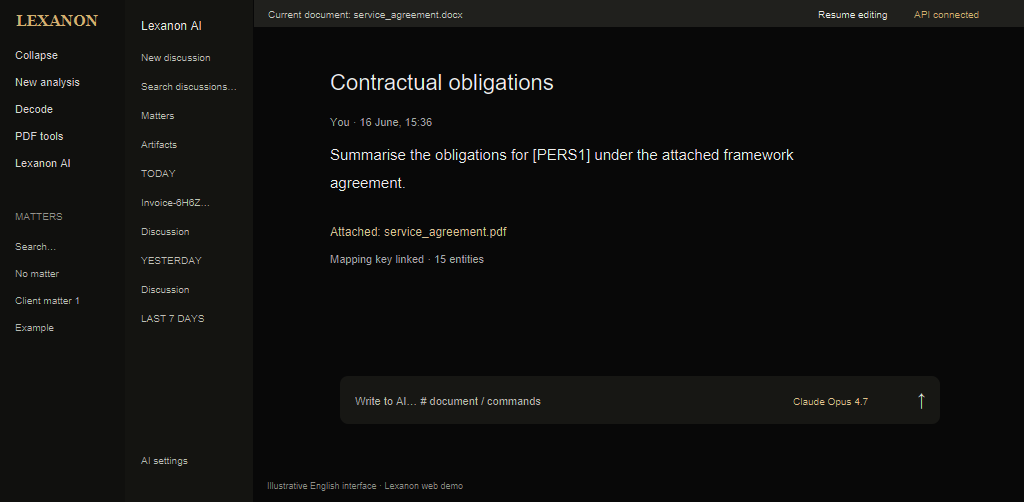
summarise the obligations for [ PERS1 ]

← Back
Lexanon AI
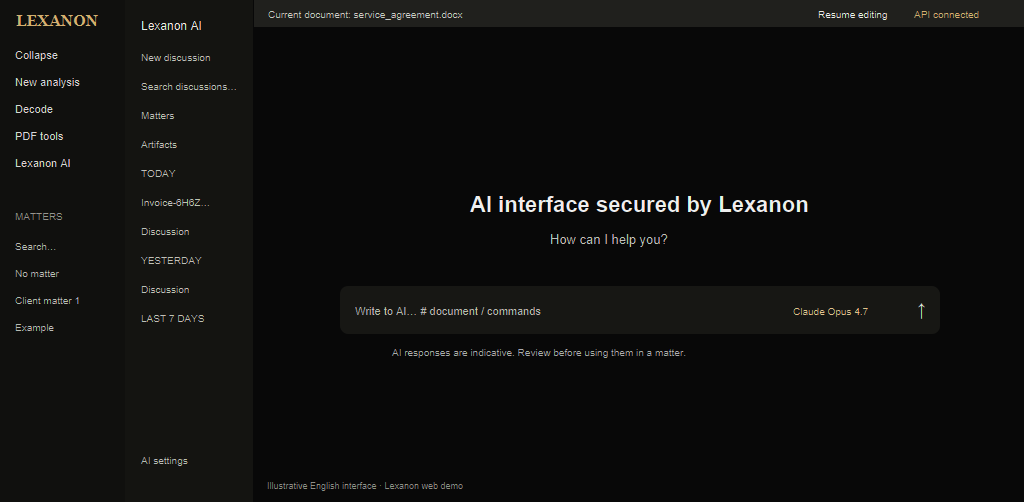
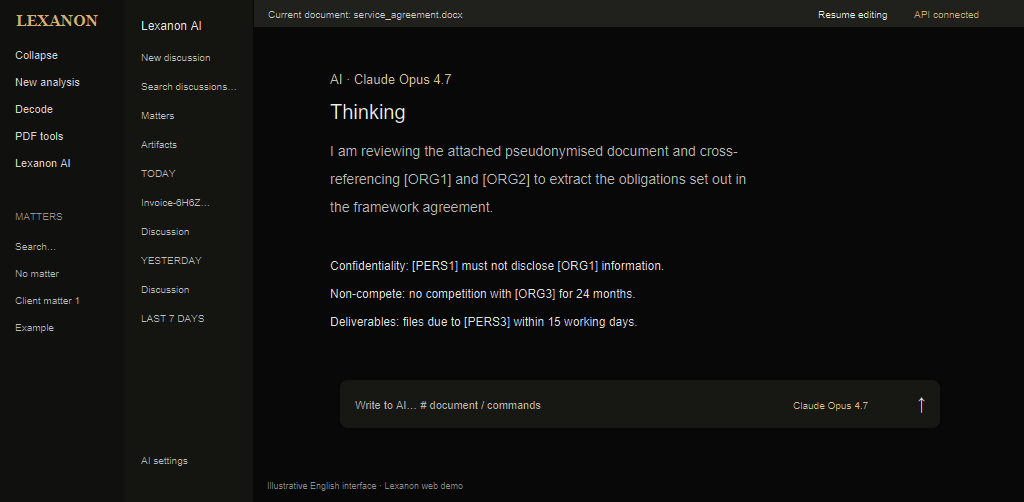
Lexanon provides a secure interface for using your AI models through API keys. It automatically decodes pseudonymised responses for clear reading, helping legal professionals with matter context, custom commands and creation of coded and decoded documents and deliverables.
Available in Lexanon AI
 Fable 5.1
Anthropic's latest model

AI conversation
Chat with your choice of model, without data leaks.

AI responses are indicative. Check them before using them in a matter.
Lexanon Tools
Legal tools developed by Lexanon, triggered automatically by the model you use.
Analysis
Timeline
Key information
Instruction
Obligations
Rewrite
Summary
Visual
Artifacts
Infographics, dashboards and summaries generated in chat, exportable as HTML from Lexanon.
 AI · Mistral Large
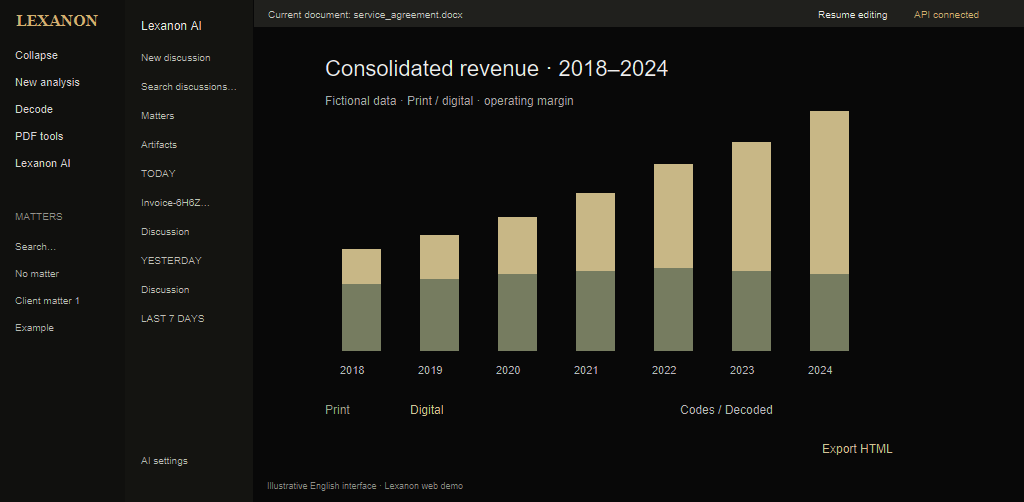
I am preparing a revenue chart for [ORG 1] (2018–2024): stacked print/digital bars and a margin line. Amounts are pseudonymised using Lexanon codes.
Document list
1 document
Completed
Reading excerpt
“Revenue [ORG 1] · print / digital · margin…”
Completed
Reading excerpt
“2018–2024 segments · fictional data · comparison…”
Completed
Pseudonymised data : Lexanon codes are replaced by the matter's values after decoding.
Would you like to:
- Export as downloadable HTML?
- Change the assumptions (other years, segments or growth rates)?
- A fictional comparison with a competitor (LexisNexis, Lefebvre)?
Revenue [ORG 1], pseudonymised
Chart
API key management
Monitor token usage and use each model's strengths according to your tasks.
API keys
2
+ Add a key
| Key | Created by | Saved on | Last used | |
|---|---|---|---|---|
|
|
user | 16 June 2026 | 16 June 2026 | |

|
user | 10 June 2026 | 16 June 2026 | |
|
|
user | 13 June 2026 | 16 June 2026 |
AI privacy
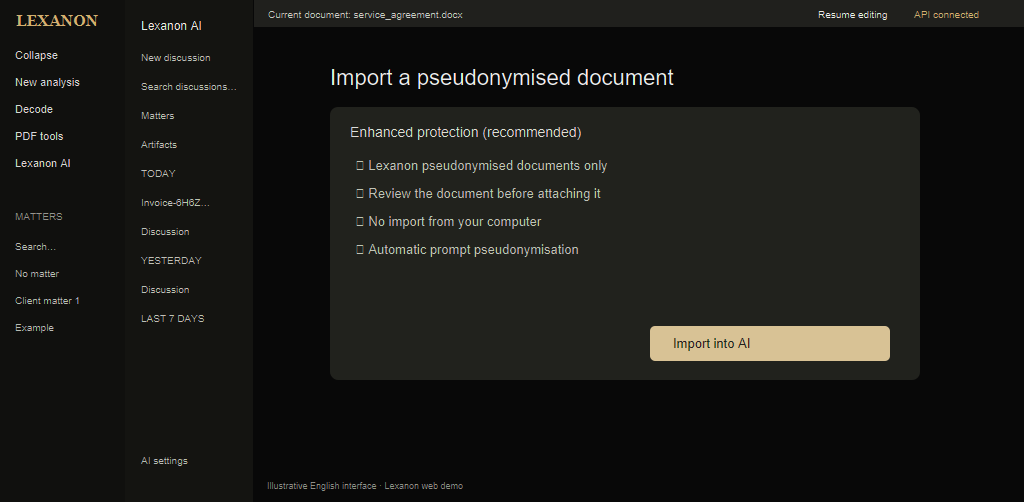
Lexanon keeps your AI use safe for personal data through an advanced security mode: review before import, consistent prompt pseudonymisation and no sensitive information visible to the model. Lexanon receives the model's response and then decodes it.
- Lexanon pseudonymised documents only (codes [PER1], [ORG2], etc.).
- Quick pseudonymisation check before attaching.
- No import from your computer.
- Automatic prompt pseudonymisation.
Send to AI
Review the pseudonymised document before attaching it to the discussion.
Send to AI
Invoice-6H6ZOW3S-0010_compressed.pdf
Lexanon will attach the same final PDF as the export. Review the pseudonymised document before opening the chat.
Tick the confirmation above to enable sending.